01 / Department evaluation
Start with fit and workflow
Review device compatibility, Macintosh Sizes 1–4, lens clearing, the capture experience, and the Admin Portal QA/QI workflow with your team.

One connected airway workflow
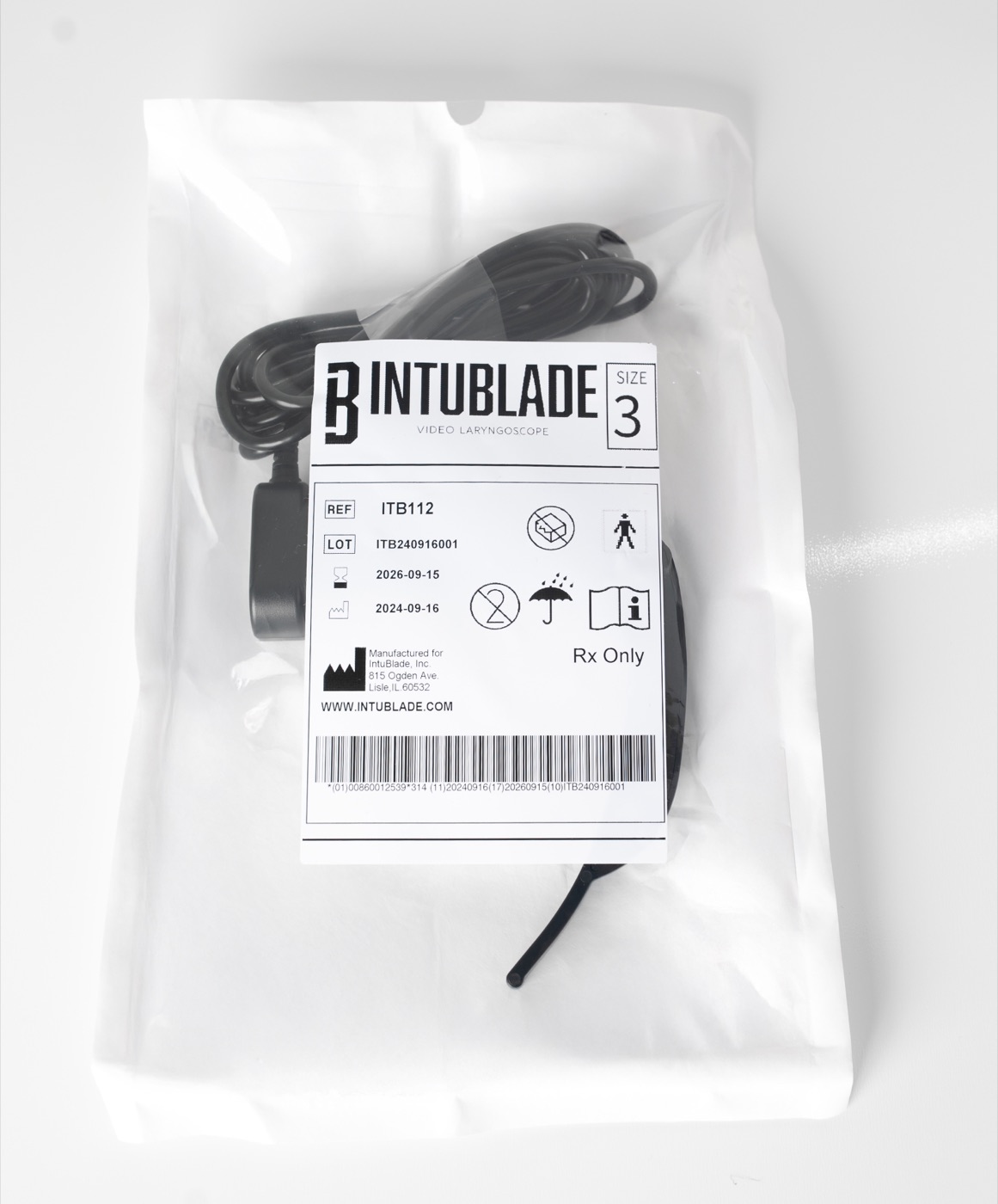
IntuBlade connects the blade, the field capture experience, and the medical director’s review workflow, without a proprietary monitor or cart.
01 / Capture
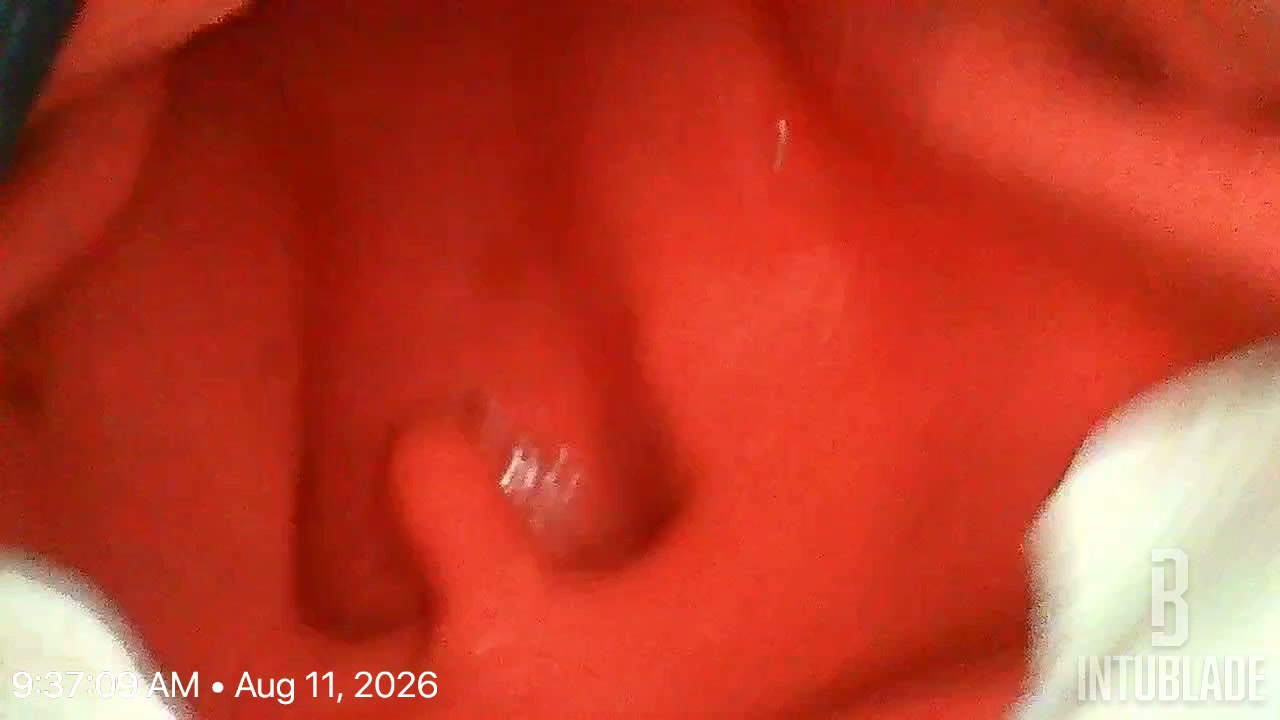
Connect a single-use IntuBlade to a compatible USB-C phone or tablet. The airway view is captured with the procedure record, so the case is ready for review before the crew clears the call.
02 / Review
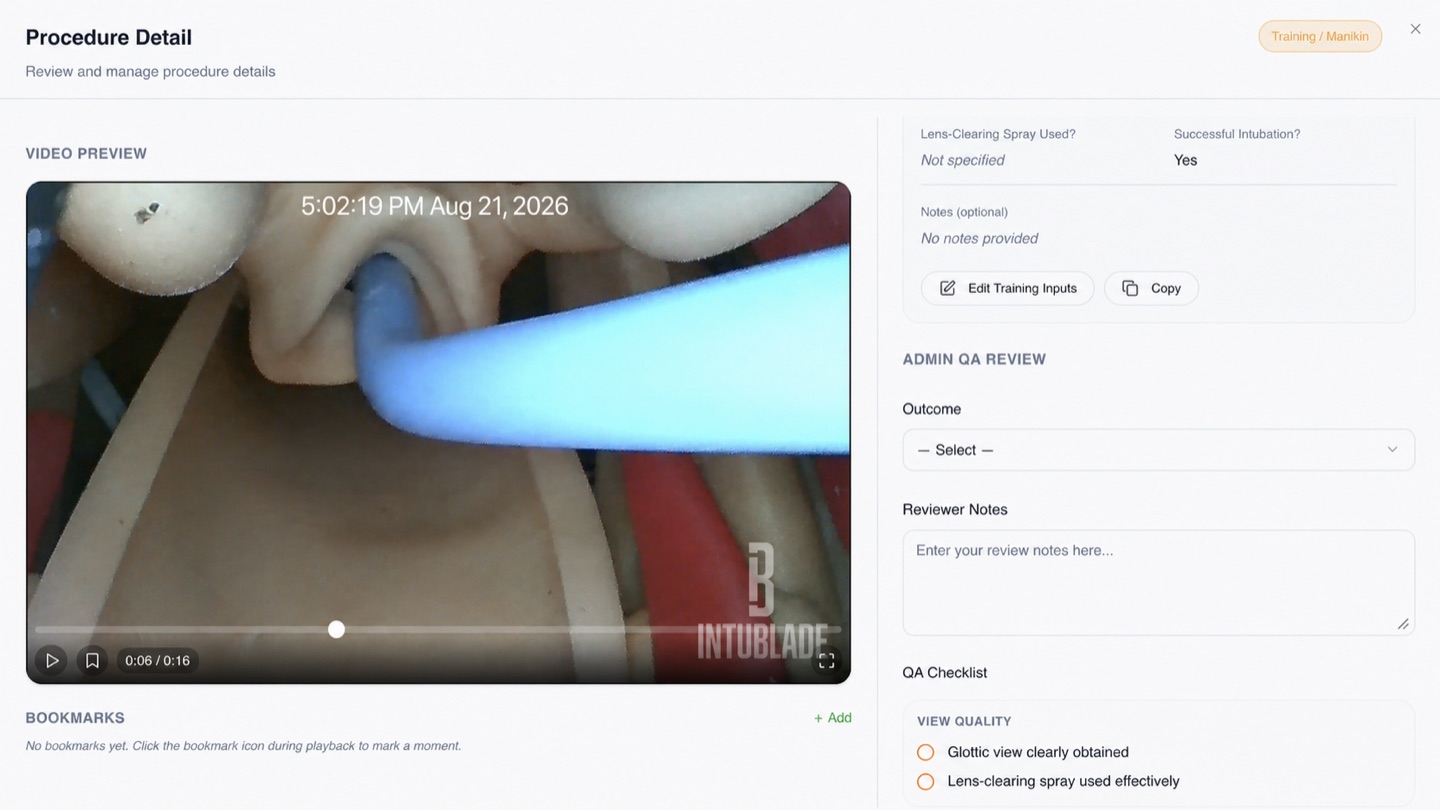
Reviewers open the case in the IntuBlade Admin Portal and work the procedure media beside the case details.
03 / Improve
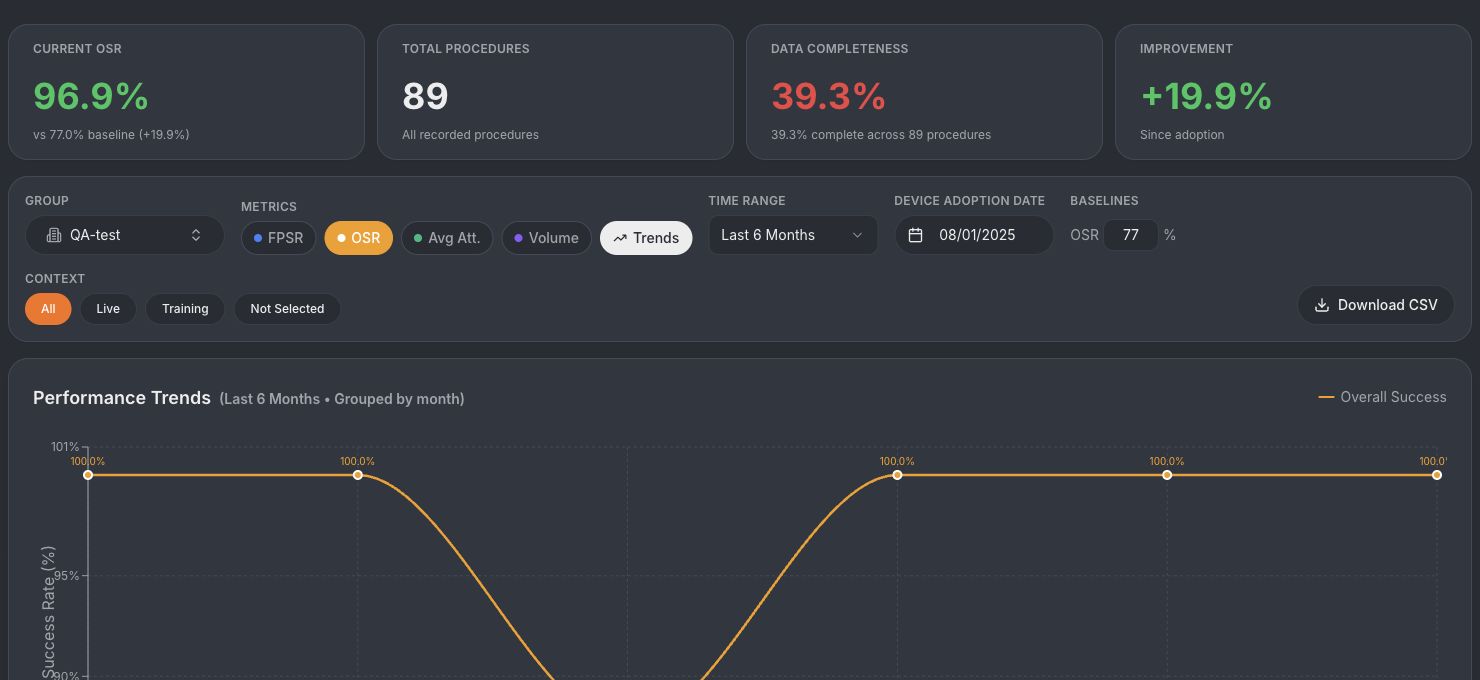
Department dashboards track review completion, successful intubation, first-pass performance, flagged cases, and trends over time, so leadership can direct training where it matters.
 Illustrative internal test data
Published simulation evidence
A 2021 American Journal of Emergency Medicine publication compared IntuBlade, GlideScope Ranger, and direct laryngoscopy with 21 emergency physicians using a high-fidelity airway manikin. These results are simulated performance data, not patient outcomes; the authors called for additional clinical evaluation.
Read methods and resultsChoose the next step
01 / Department evaluation
Review device compatibility, Macintosh Sizes 1–4, lens clearing, the capture experience, and the Admin Portal QA/QI workflow with your team.
02 / Buy direct
Purchase available sizes after checking your phone or tablet. The standard 10 mL male luer-lock saline syringe used for lens clearing is not included.
Check compatibility and buy03 / Institutional quote
Route procurement, quantity, timeline, device compatibility, security review, training, and QA/QI requirements to the specialist responsible for your territory.
Macintosh Size 1, Macintosh Size 2, Macintosh Size 3, and Macintosh Size 4 are available now. All four use the same Macintosh geometry.
No. IntuBlade connects directly to compatible USB-C phones and tablets, so teams do not need a proprietary monitor or cart.
Yes. Each blade is single-use. There is no blade charging, cleaning, or reprocessing.
Integrated saline lens clearing lets the clinician clear the lens during the procedure without removing the blade, so the airway view can be restored in place.
Reviewers can open a case to view the procedure media beside case details, select an outcome, write reviewer notes, work through the QA checklist, flag a case for follow-up, save the review, and download the record when their policy allows it.
Procedure media stays inside your organization workspace with role-based access for clinicians, reviewers, and administrators. Reviews shown on this page use training records with no patient identifiers displayed.
Yes. Teams commonly start with an evaluation quantity across Macintosh Sizes 1–4, run case review in the Admin Portal, then expand once the workflow is proven.
You can buy boxes direct, or request an institutional quote and a specialist will follow up with pricing, contracting, and rollout options.
What happens next
Your request routes to the IntuBlade specialist who owns your state or territory, so the first reply comes from the person who can walk your team through devices, case review, and rollout.
Tell us about your team and an IntuBlade specialist will follow up.