
01
What the connection does
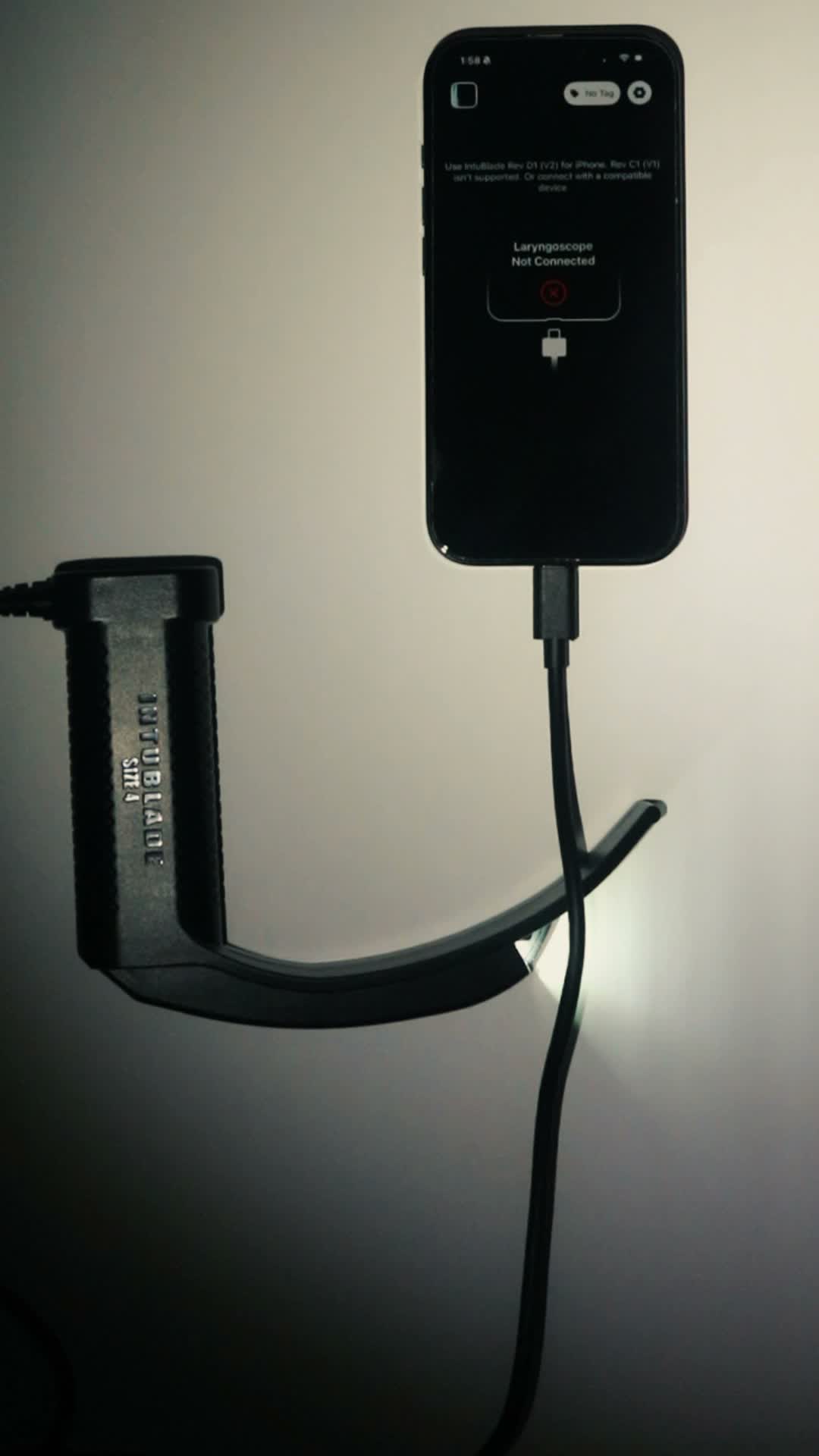
The connected phone or tablet displays the airway view and supports capture into the IntuBlade workflow.
- Direct wired USB-C connection
- No proprietary cart or monitor
- Compatible iOS and Android devices
Wired USB-C capture
IntuBlade connects directly to compatible USB-C phones and tablets. The wired connection removes the proprietary-monitor requirement, but exact device compatibility still needs to be verified before purchase or deployment.
01
The connected phone or tablet displays the airway view and supports capture into the IntuBlade workflow.
02
USB-C is a connector, not a guarantee that every phone or tablet supports the required video behavior. Verify the exact model before purchasing.
03
The connected workflow can route the procedure record into the Admin Portal for authorized case review and department QA/QI.
No. Check the compatibility list for supported models before buying or deploying.
No. The device uses a direct wired connection.
No. Use a compatible supported USB-C phone or tablet.